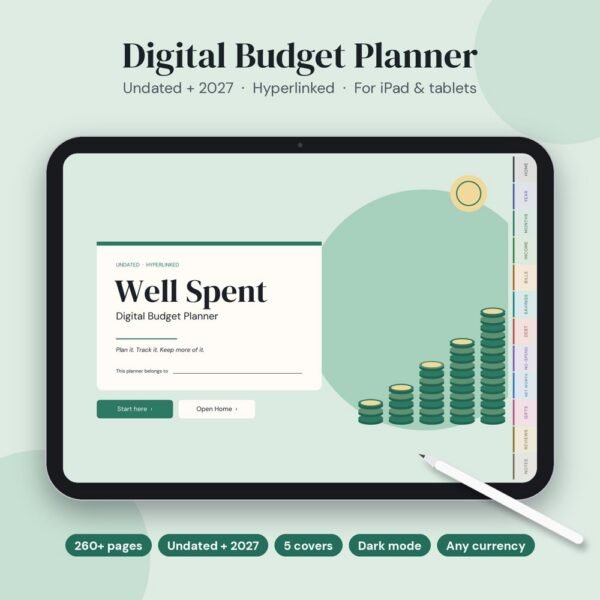
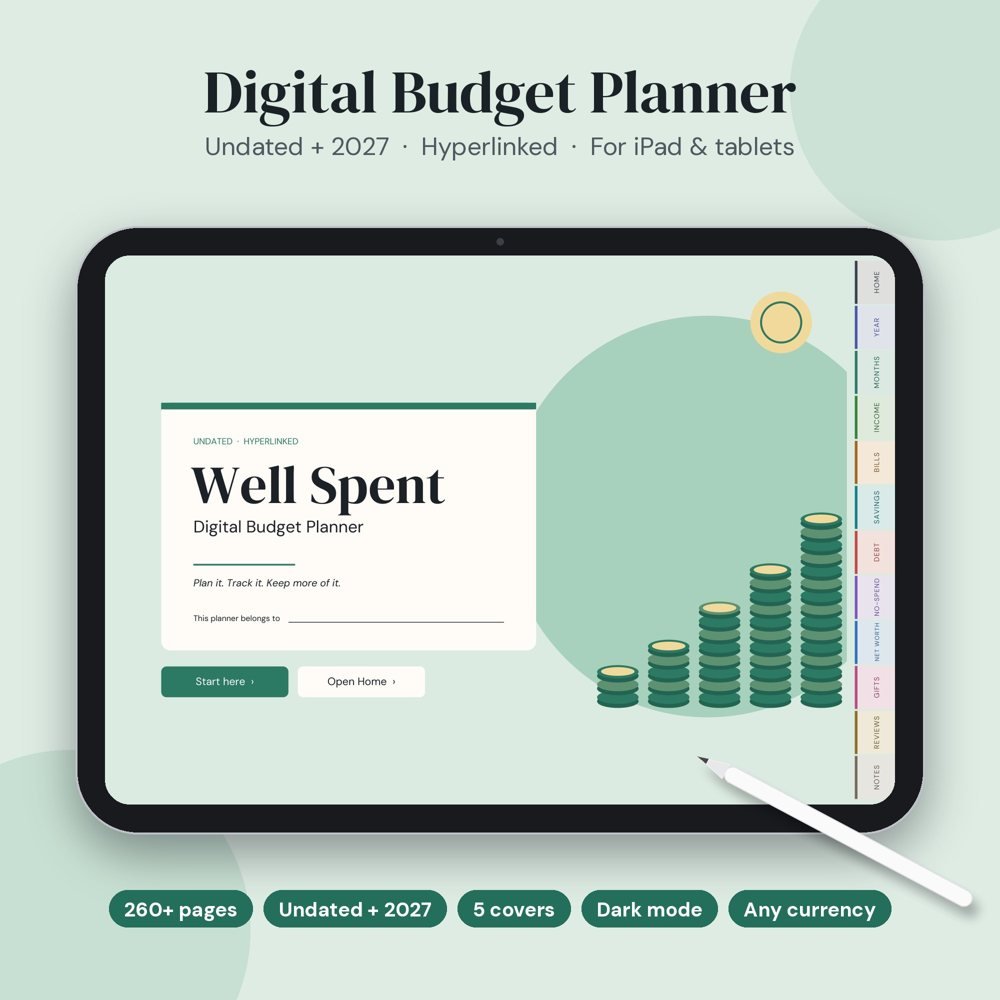
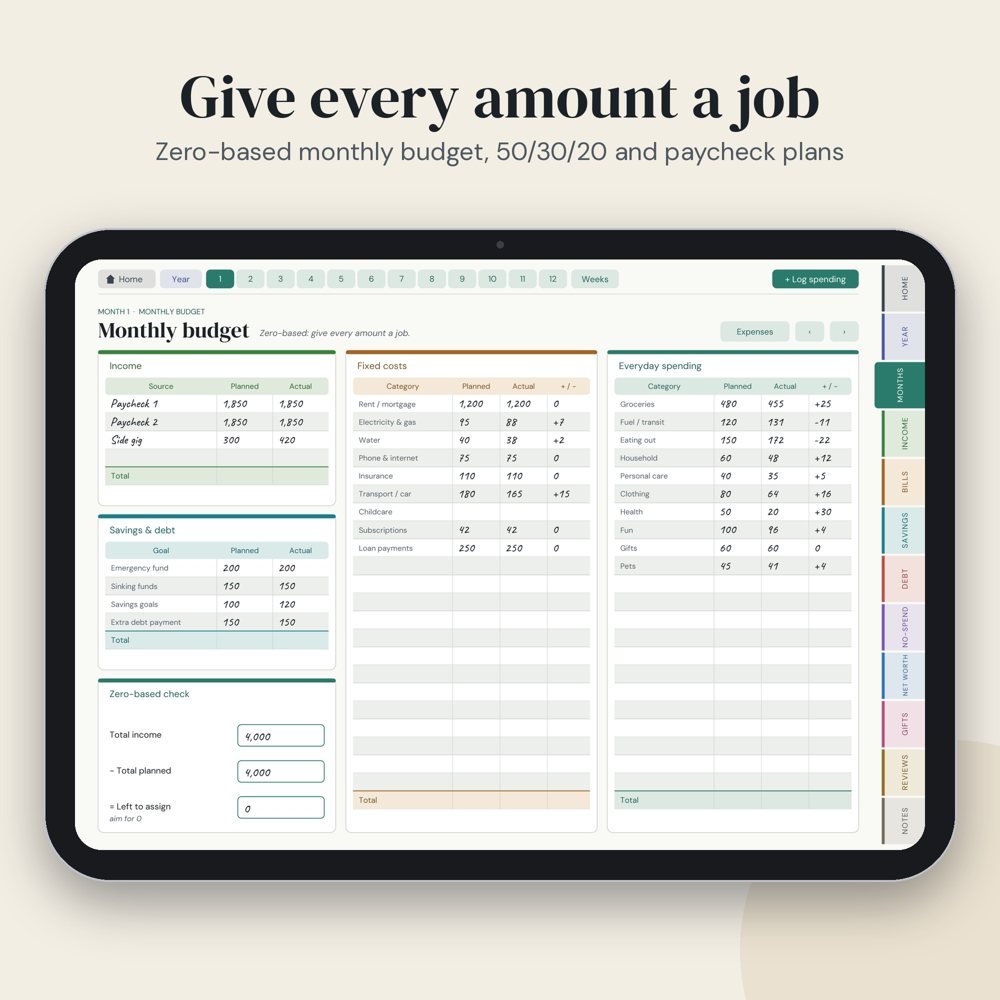
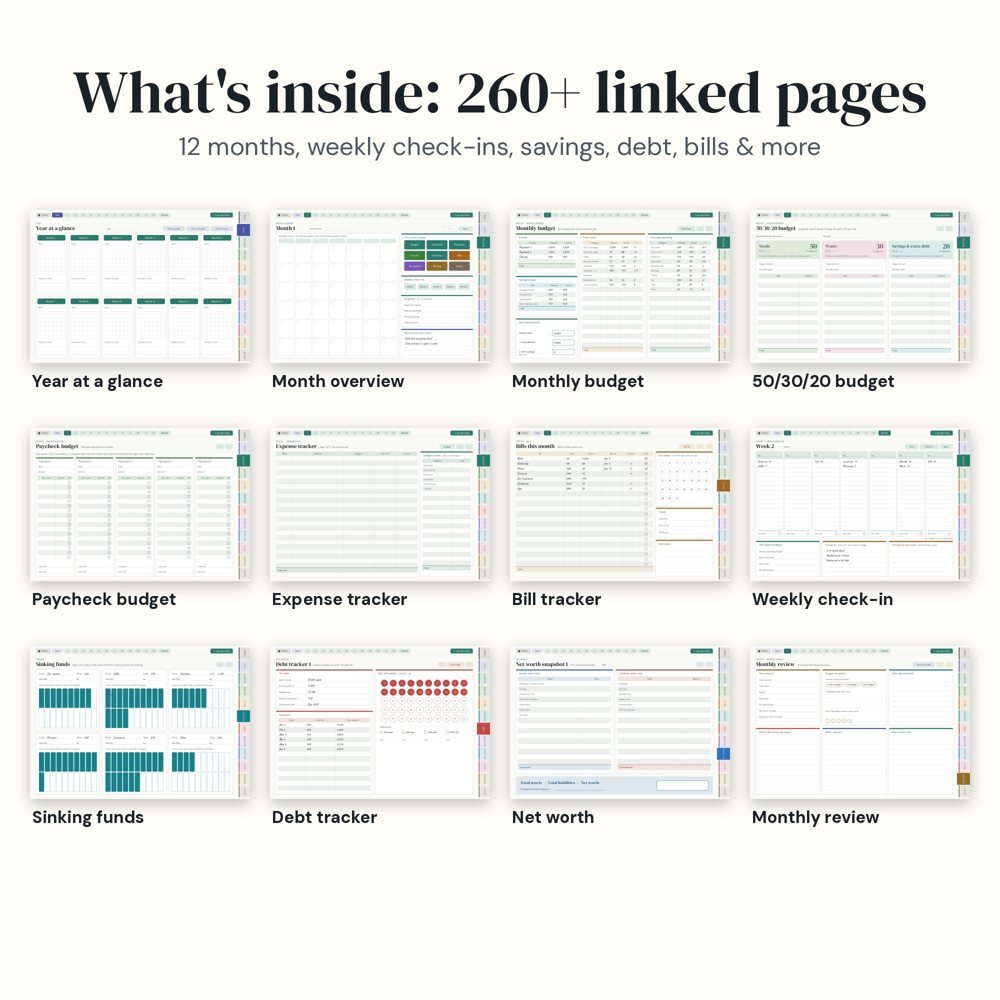
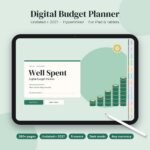
Well Spent is an easy digital budget planner for iPad, GoodNotes and Android tablets: 264 hyperlinked pages for 2027 (Monday start). Plan each month with zero-based, 50/30/20 or paycheck budgets, log your weekly spending, and watch your savings, debt payoff and net worth trackers fill up. Bonus: the Well Spent budget spreadsheet for Excel, Google Sheets and Numbers, with a how-to guide. Works with any currency. Instant download, one-time payment.
£19.99 Original price was: £19.99.£14.99Current price is: £14.99.
Digital product. Nothing is shipped. You get a download link right after checkout and by email.
Stop forcing your finances into rigid spreadsheets. Well Spent gives you 264 hyperlinked pages designed for effortless tablet writing—combining zero-based budgeting, 50/30/20 splits, paycheck planning, and visual debt and savings trackers in one calm, clutter-free workspace.
Jump straight to any month, week, bill, or tracker from the Home dashboard and persistent right-hand tabs.
Switch between Zero-Based budgeting, 50/30/20 splits, and Paycheck-by-Paycheck plans to fit your pay cycle.
Jot down expenses on the fly from any page and sort them into your monthly trackers whenever you have a minute.
Colour in 100-box goal grids, 2% debt payoff bubbles, and no-spend circles to watch your progress grow.
Zero hardcoded currency symbols—works seamlessly with $, £, €, or any currency, plus duplicate pages anytime.
Stay on track with 53 Monday-start weekly check-ins, 15-minute monthly reviews, and a full Year-in-Numbers overview.
Tap a video to watch the tabs, the pages and the import in GoodNotes.
Grab the zip from the thank-you page or your email, then unzip it in the Files app.
Tap Share, choose GoodNotes, Notability, Samsung Notes or your PDF app, and import.
Use the tabs to jump around, write in your dates and start your week.
Bought this planner? Be the first to share how you use it.
It works on any tablet or device with a PDF annotation app that supports hyperlinks—including GoodNotes, Notability, and Noteshelf on iPad, Penly and Samsung Notes on Android, and Xodo on Windows.
Yes! There are no currency symbols printed anywhere in the planner, so you can write amounts in $, £, €, A$, or any currency you use.
Yes, all 12 monthly calendars and all 53 weekly check-ins are pre-dated for 2027 with a Monday start.
Absolutely. You can duplicate any page (such as Expense Trackers, Paycheck Budgets, or Note templates) directly inside your PDF app without breaking any existing links.
In GoodNotes, switch to Read-Only mode (tap the pen icon with a slash) to tap tabs and buttons, then switch back to write. In most other apps, simply tap links with your finger instead of your stylus.
Well Spent is an interactive, hyperlinked PDF planner designed for digital handwriting with a stylus (like Apple Pencil or S-Pen) or typing text boxes—not an Excel or Google Sheets file.
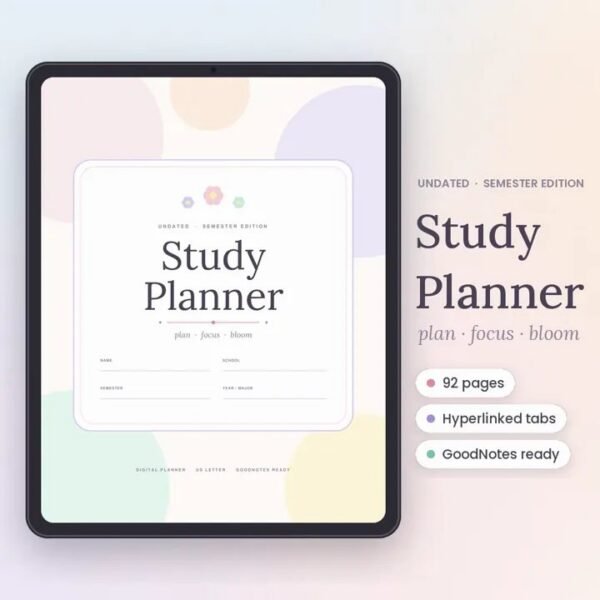
This 2027 Student Planner is designed to help you stay organized, focused, and in control throughout the entire academic year
20 habits a month, daily check-ins, streaks, mood, sleep and water
Be the first to review